
Select your language


| Maintenance parameter | Common printers (e.g. CIJ) | Our printers (HP TIJ) |
| Regular maintenance | Necessary flushing, replacement of filters and thinners | None. The system is completely closed. |
| Solution clogged nozzles | Technical intervention, dry cleaning | Wipe with a cloth or replace the cartridge (5 seconds). |
| Downtime in case of failure | Hours to days (waiting for service) | Seconds. The line does not stop. |
| Hidden costs | Service contracts, spare parts, thinners | Zero. You only pay for the ink. |
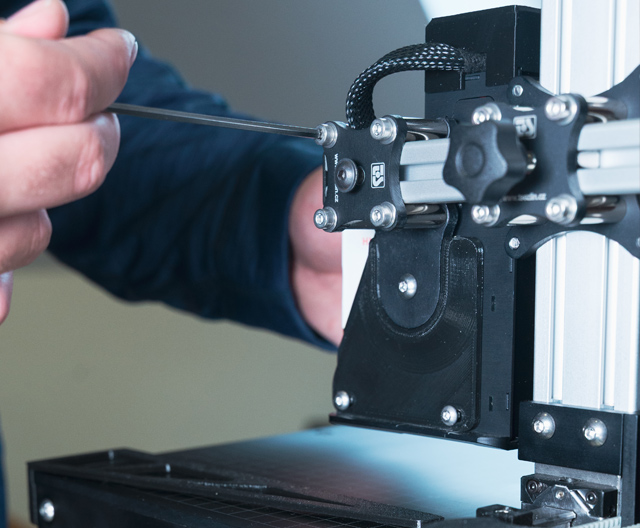
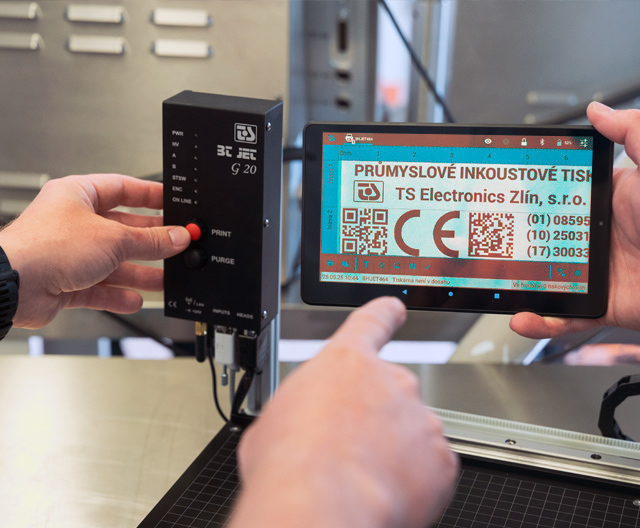
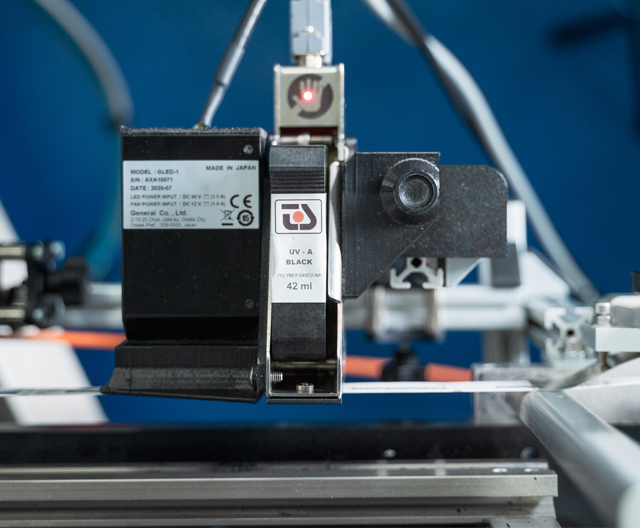
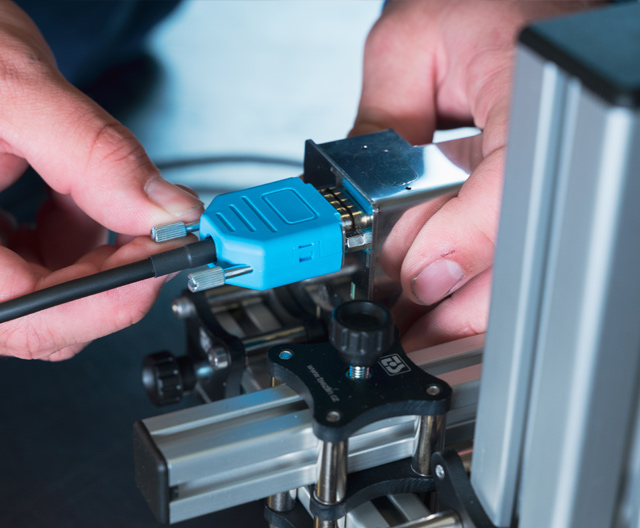
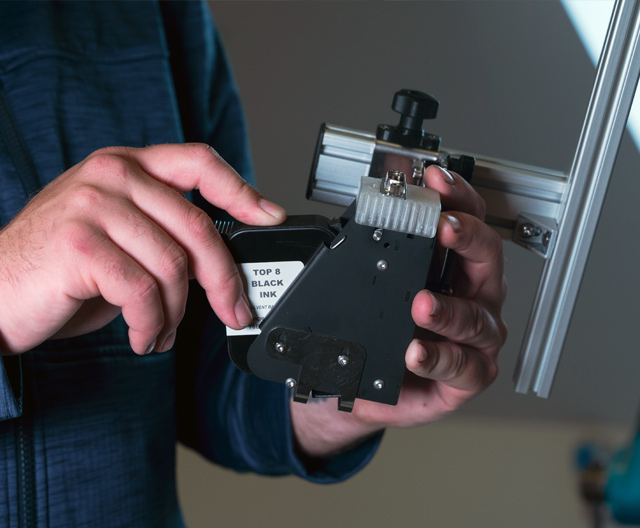
With our TIJ cartridge technology, this is most often caused by the ink drying on the nozzles (if the line has been idle for a long time). Remove the cartridge and gently wipe the print head with a special lint-free cloth (from top to bottom). If this does not help, insert a new cartridge.
If you plan to shut down the line for a longer period of time (more than 1-2 days for solvent inks), we recommend removing the cartridge and placing a protective plastic clip (cap) on it to prevent the nozzles from drying out.
Not at all! That is the biggest advantage of our printers. No flushing, no thinner, no pump calibration. The system is 100% maintenance-free.

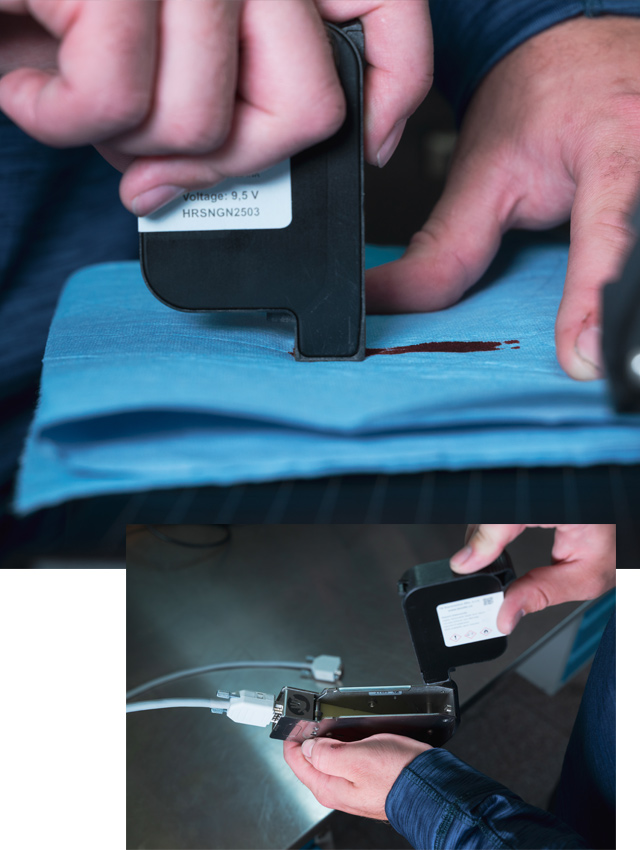
1. Check if ink residue is blocking the nozzles or if dust and dirt are preventing the droplets from flying. The droplets are very small, around 30pl, and any hair, dirt will prevent them from flying freely.
2. Apply cleaning fluid to the print head nozzles. Then try turning on the printer and activating the nozzles, which will push the ink out of the nozzles by printing.
3. Do not remove any dirt even with a clean cloth. Just one wipe will push dirt into the nozzles and ruin the cartridge. If this happens, the only last resort is to suck the ink and dirt through the nozzles using a special nozzle service cover and a syringe.
4. Remove the cartridge and place it with the nozzles facing up on absorbent paper on the table. The ink will be sucked into the paper and pull out any dirt. Wait about 10 seconds and check if the ink comes out of the nozzles.
5. Place the cartridge with the nozzles facing down on clean paper for a short time and check if the ink comes out of both rows of nozzles and if it comes out evenly. You can tell if the ink has been evenly absorbed into the paper.